
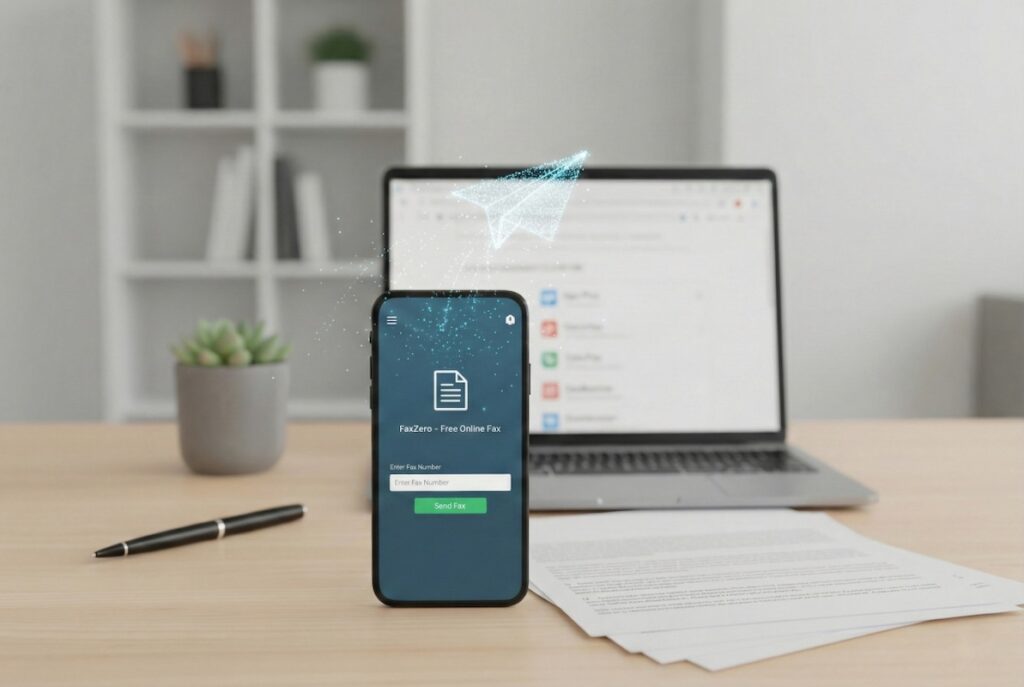

When applying for an Employer Identification Number (EIN) from the IRS as a non-US resident, you may run into an unexpected roadblock: the IRS still relies heavily on fax. If you’re applying by fax — which is often the fastest route for international applicants who can’t call the IRS directly or apply online — you might need a way to send documents digitally if you don’t own a physical fax machine…which most people don’t these days.
The good news is that you don’t need to hunt down a fax machine at a local print shop. There are several services that let you send a fax from your computer or phone, and some of them are completely free. In this article, we cover the best options.
Why Does the IRS Still Use Fax?
It may seem anachronistic, but fax remains one of the IRS’s preferred methods for receiving sensitive documents — including SS-4 forms (used to apply for an EIN). Fax provides a verifiable paper trail and bypasses the security concerns associated with email. For international applicants who are unable to use the IRS’s online-based EIN application process, faxing Form SS-4 directly to the IRS is often the primary option.
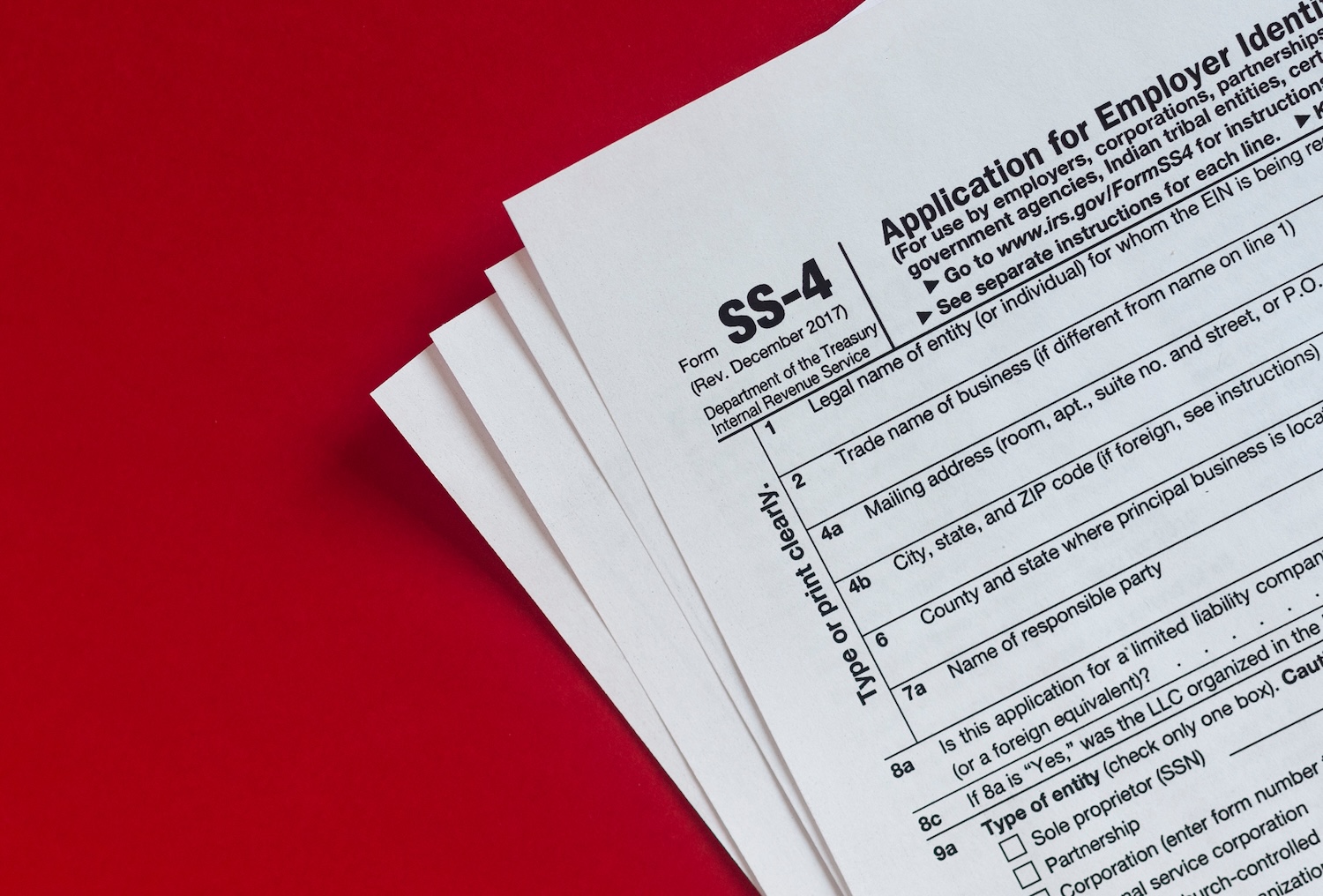
The IRS EIN fax number for international applicants is (855) 215-1627 (if within the United States) or (304) 707-9471 (if outside the United States). Keep the number handy as you’ll need it when sending in your forms.
What You’ll Need Before You Start
Regardless of which service you use, you’ll need a few things ready:
- Your completed document as a PDF or image file (most services accept PDF, DOCX, JPG, or PNG).
- The recipient’s fax number, including country and area code. For the IRS, that’s the number above.
- An email address to sign up for most services and to receive delivery confirmation.
A cover page is optional but recommended when faxing the IRS — it helps ensure your document is correctly routed.
Best Free Online Fax Services
| Service | Free Pages | Account Required | Daily Limit | US/Canada | Confirmation Email |
|---|---|---|---|---|---|
| FaxZero | 3 pages/fax | No | 5 faxes/day | ✅ | ✅ |
| GotFreeFax | 10 pages/fax | No | 2 faxes/day | ✅ | ❌ |
| Fax.Plus | 10 pages total | Yes | No limit | ✅ (180+ countries) | ✅ |
| CocoFax | 10 pages total | Yes | No limit | ✅ | ✅ |
| FaxBurner | 5 pages total | Yes (app) | No limit | ✅ | ✅ |
FaxZero
Website: faxzero.com
FaxZero is arguably the simplest and most no-nonsense option on this list. It lets you send up to 5 free faxes per day to US and Canadian numbers, with no account required. You simply enter the recipient’s fax number, fill in your basic details, upload your document, and hit send. A confirmation is sent to your email.
The catch is that free faxes include a FaxZero cover page with a small ad, and they are limited to 3 pages per fax (plus a cover page). For faxing a short form like the SS-4, this is usually not a problem.
Pros:
- No account or sign-up needed.
- Up to 5 free faxes per day.
- Extremely simple to use.
- Sends to US and Canadian numbers (which covers the IRS).
Cons:
- Free faxes include a FaxZero-branded cover page with advertising.
- 3-page limit per fax on the free tier.
- No delivery guarantee on the free plan (paid removes the ad and bumps the page limit).
For a one-off fax like for an EIN application, FaxZero is a good starting point. You can also pay $3.29 per fax for “Almost Free Fax” which removes the page limit and cover page branding, as well as priority delivery.
GotFreeFax
Website: gotfreefax.com
GotFreeFax is another no-account-required option that lets you send free faxes to the US and Canada. Like FaxZero, it’s straightforward: enter the destination number, upload your document, and send. You can send up to 2 free faxes per day with a maximum of 10 pages each.
GotFreeFax has been around for years and has a solid reputation. It also offers a paid international fax option if you ever need to fax outside North America.
Pros:
- No sign-up required.
- Up to 10 pages per fax — more generous than FaxZero on the free tier.
- Covers US and Canadian fax numbers.
Cons:
- Limited to 2 free faxes per day.
- Faxes include a GotFreeFax cover page.
- No fax confirmation email on the free tier.
Fax.Plus
Website: fax.plus
Fax.Plus is a more polished, account-based service that offers a free tier with 10 free outgoing fax pages upon sign-up (no credit card required). After that, you’ll need to purchase a plan, but for a single EIN application this free allotment is usually sufficient.
You can sign up using an existing Google or Microsoft account, making setup quick. The interface is clean and lets you attach multiple files, add a cover page, and even schedule your fax for a later time.
Pros:
- Polished, user-friendly interface.
- Works on desktop and mobile.
- Supports sending to over 180 countries (useful beyond IRS purposes).
- Sends email confirmation upon delivery.
- Free tier covers a single short fax comfortably.
Cons:
- Requires creating an account.
- Only 10 free pages — after that, a paid plan is required.
CocoFax
Website: cocofax.com
CocoFax offers 10 free pages for new sign-ups, similar to Fax.Plus. It’s a cloud-based service that works through a browser or a dedicated app (available for Android and Mac). Once you’ve used your 10 free pages, your account remains active indefinitely — you simply won’t be able to send more pages until you upgrade or start a new account.
Pros:
- Free tier doesn’t expire — you can use the 10 pages over time.
- No credit card required to sign up.
- Mass fax feature (send one document to multiple recipients simultaneously).
- Clean dashboard with delivery tracking.
Cons:
- Requires creating an account.
- Limited to 10 free pages total (not per day or per month).
- Android app only — iOS users must use the web interface.
FaxBurner
Website: faxburner.com
FaxBurner is a slightly different product: it’s primarily an iPhone/iPad app, though it also works via email. The free tier gives you a temporary fax number valid for 24 hours and allows you to send up to 5 pages for free. It also lets you receive up to 25 pages for free. This makes it handy if you need a fax number both to send and receive — for example, if you’re expecting confirmation from a third party.
Pros:
- Good for both sending and receiving faxes.
- Works directly from an iPhone or iPad app.
- Also works by sending an email to a special address (no app required).
- Simple and fast to set up.
Cons:
- Free fax number is temporary (24 hours only).
- 5 free outgoing pages is on the lower end.
- Less ideal for desktop/non-iOS users.
Paid Options Worth Knowing About
If you’re planning to fax the IRS multiple times, or if you want a reliable service with guaranteed delivery and no page caps, it may be worth looking at low-cost paid services:
eFax offers a 7-day free trial during which you can send and receive up to 150 pages. After the trial it’s a paid monthly subscription, but for a brief window it’s a fully functional and well-regarded service.
Dropbox Fax (formerly HelloFax) is a polished option if you’re already in the Dropbox ecosystem. It integrates directly with Google Drive, Dropbox, Box, and OneDrive, making document management easy. It’s been rated highly by tech publications for reliability and security.
Tips for Faxing the IRS
A few things to keep in mind when sending your EIN application or other documents to the IRS by fax:
- Use a cover page. Most fax services let you add one, and it helps the IRS route your document correctly. Include your name, phone number, and the number of pages you’re sending.
- Double-check the fax number. The IRS EIN fax number for international applicants is (304) 707-9471. Note that different departments have different numbers, so if you’re faxing for another purpose (such as responding to a notice), make sure you have the right one for that specific correspondence.
- Send during US business hours. While fax lines are generally available around the clock, faxes sent during business hours are more likely to be processed promptly. The IRS operates Monday through Friday, 7 a.m. to 7 p.m. Eastern time.
- Save your confirmation. Most online fax services will send you a confirmation email when your fax is delivered. Save this as proof that the fax was successfully sent — it can be helpful if there are any questions about receipt.
- Keep your document under the page limit. The IRS SS-4 form is a single page, so most free services will handle it without issue. If you’re including supporting documentation, count your pages ahead of time.
Conclusion
Not owning a fax machine is no longer an obstacle when communicating with the IRS. Whether you’re sending a one-time EIN application or need to fax other forms, services like FaxZero and GotFreeFax let you do it for free with no account required. For a slightly better experience with delivery confirmation and a clean interface, Fax.Plus or CocoFax are strong choices on a free tier.
For most EIN applicants, FaxZero will be the fastest path — no sign-up, no waiting, just upload and send. Try that first, and if you run into any issues, the other services on this list are ready to go.
Looking for help with your EIN or ITIN application? ITIN Genie is an IRS-authorized Certifying Acceptance Agent that can guide you through the process from start to finish.